

Опис
Tabs Block is a simple plugin that adds a Gutenberg block for adding Tabs content to your posts and pages. Fully responsive and accessible.
Снимци екрана
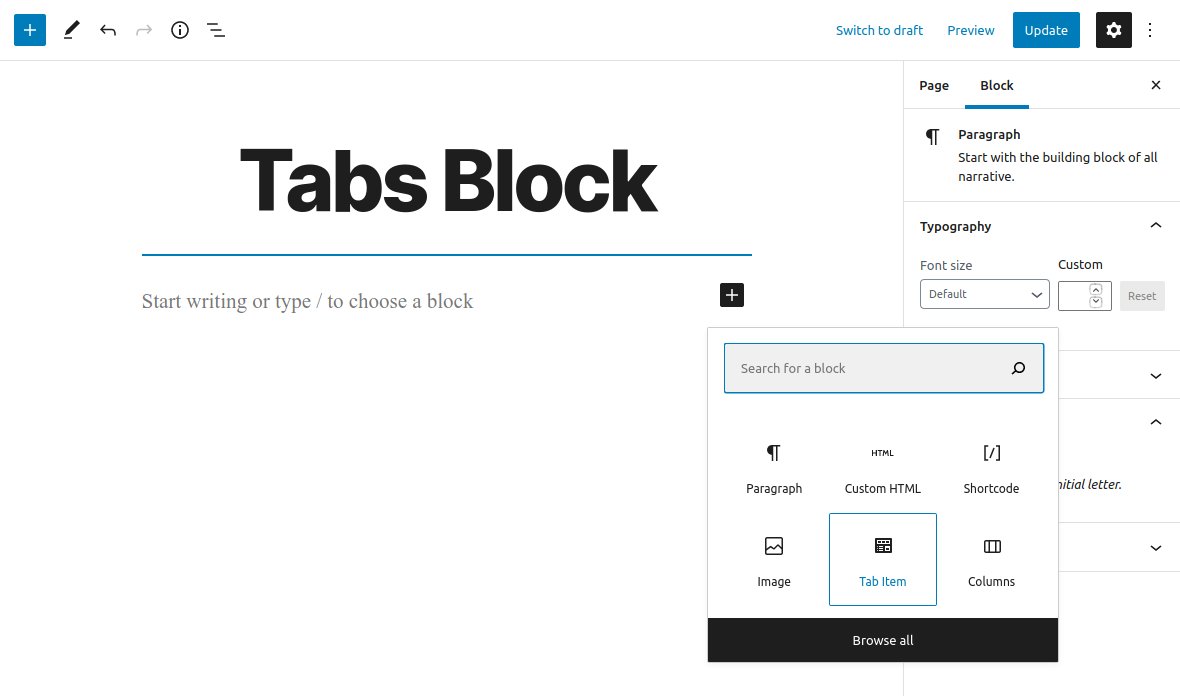
Add new ‘Tab Item’ Block
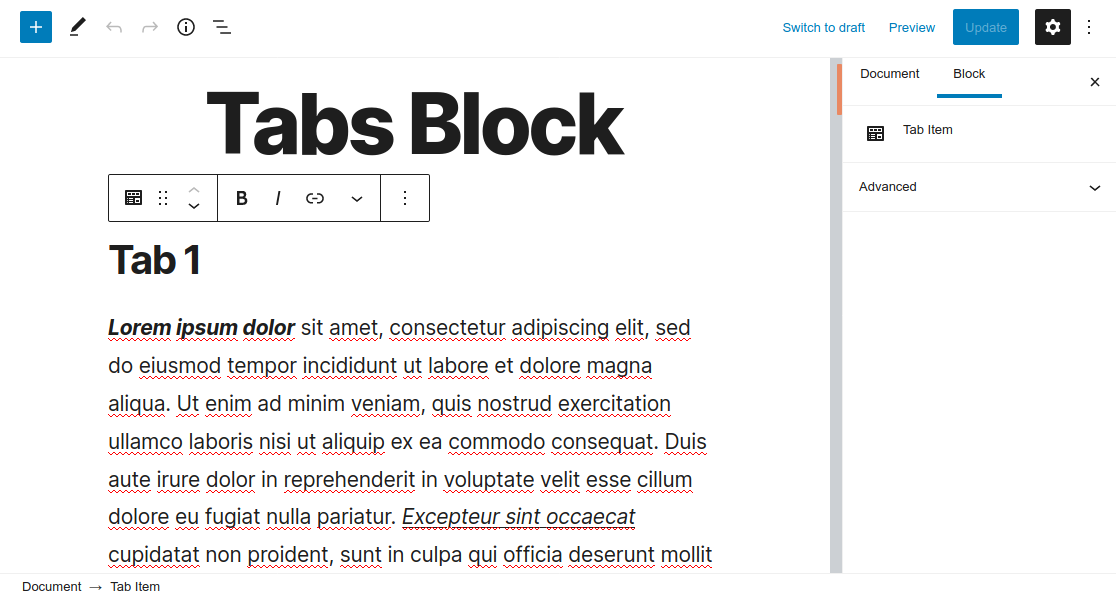
‘Tab Item’ Block

Tab Block
Блокови
Овај додатак пружа 1 блок.
- Tab Item
Постављање
This section describes how to install the plugin and get it working.
- Upload the
tabs-blockfolder to the to the/wp-content/plugins/directory - Activate the plugin through the ‘Plugins’ menu in WordPress
- Open for Edit or add new Post or Page
- Click on ‘+’ button to add new Block
- Insert ‘Tab Item’ blocks
- Save changes
Please Note: All of the ‘Tab Item’ blocks will be displayed as a Tab
Рецензије

9. април 2022.
None of the links on the developer website are active. So communication is not available.

1. фебруар 2022.
Basically an important block, but useless because, you can only put in text blocks.

13. децембар 2021.
It works great but only if you only use of set of Tabs in one page. If you wont 2 or more, it puts new tabs on first set.

28. април 2021.
It does what it says in a very unobtrusive manner.
Very useful block.
Thanks
Сарадници и градитељи

„Tabs Block“ је преведен на 5 језика. Хвала преводиоцима на њиховим доприносима.
Преведите „Tabs Block“ на свој језик.
Заинтересовани сте за развој?
Прегледајте кôд, погледајте SVN складиште или се претплатите на дневник развоја преко RSS-а.
Дневник измена
1.0.0 (November 16, 2020)
- Plugin released