
Опис
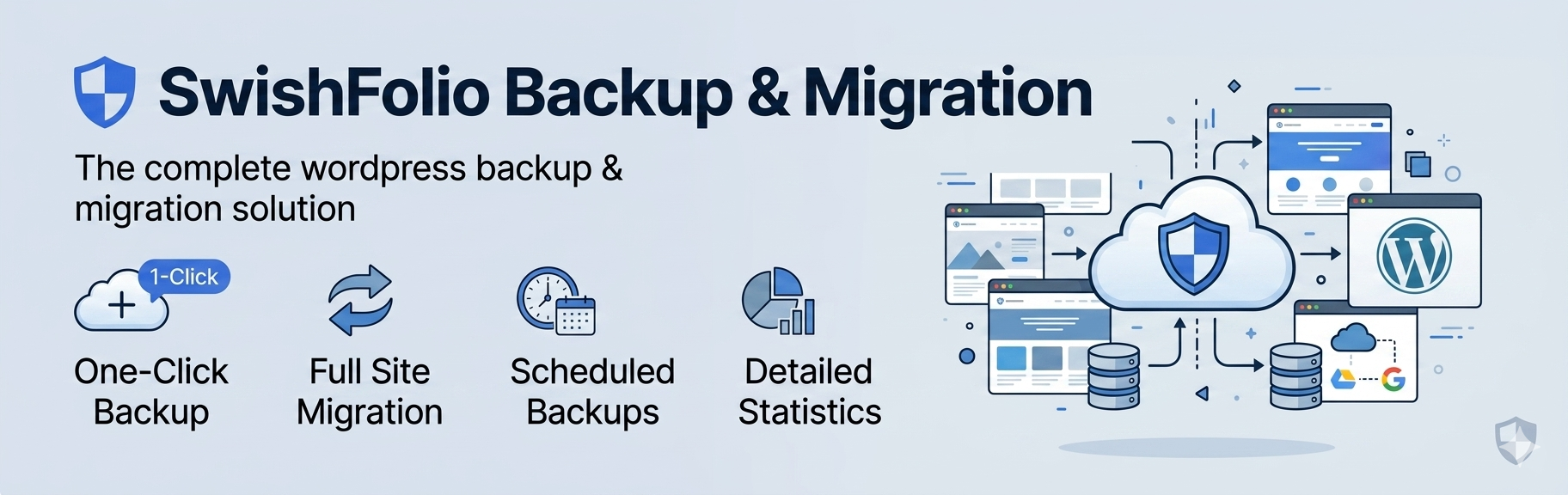
Swish Migrate and Backup is a powerful WordPress plugin that allows you to create full backups of your website, including the database, plugins, themes, uploads, and core files. It supports multiple cloud storage providers and makes site migration seamless.
Features
- Full Site Backups – Backup your entire WordPress site including database, plugins, themes, and uploads
- Database-Only Backups – Create lightweight backups of just your database
- Files-Only Backups – Backup only your WordPress files without the database
- Cloud Storage Support – Store backups on Amazon S3, Dropbox, or Google Drive
- Local Storage – Keep backups on your server
- Site Migration – Easily migrate your site to a new domain with automatic URL replacement
- Search and Replace – Perform database search and replace operations with serialization support
- Scheduled Backups – Set up automatic backups on your preferred schedule
- Chunked Processing – Handle large sites without memory issues
- Encrypted Credentials – Cloud storage credentials are encrypted using AES-256-CBC
- REST API – Full REST API for integration with other tools
Remote Backup Storage
- Amazon S3
- Dropbox
- Google Drive
Swish Backup & Migrate PRO
Upgrade to PRO for advanced features: Get PRO
- Multisite Support – Full compatibility with WordPress multisite networks
- Multisite Clone Site – Clone sites within your multisite network
- Unlimited Backup/Restore Size – No file size limits on backups or restores
- Full Backups – Complete backups including wp-core, wp-content, themes, plugins, uploads, and database
Requirements
- WordPress 6.0 or higher
- PHP 8.1 or higher
- Write access to wp-content/uploads directory
Privacy Policy
This plugin stores backup files that may contain personal data from your WordPress database (such as user emails, names, and content). Backups are stored either locally on your server or on third-party cloud storage services that you configure.
When using cloud storage providers (Amazon S3, Dropbox, Google Drive), your backup data is transmitted to and stored on their servers according to their respective privacy policies.
The plugin does not collect or transmit any data to the plugin author or any other third party beyond the cloud storage services you explicitly configure.
Снимци екрана
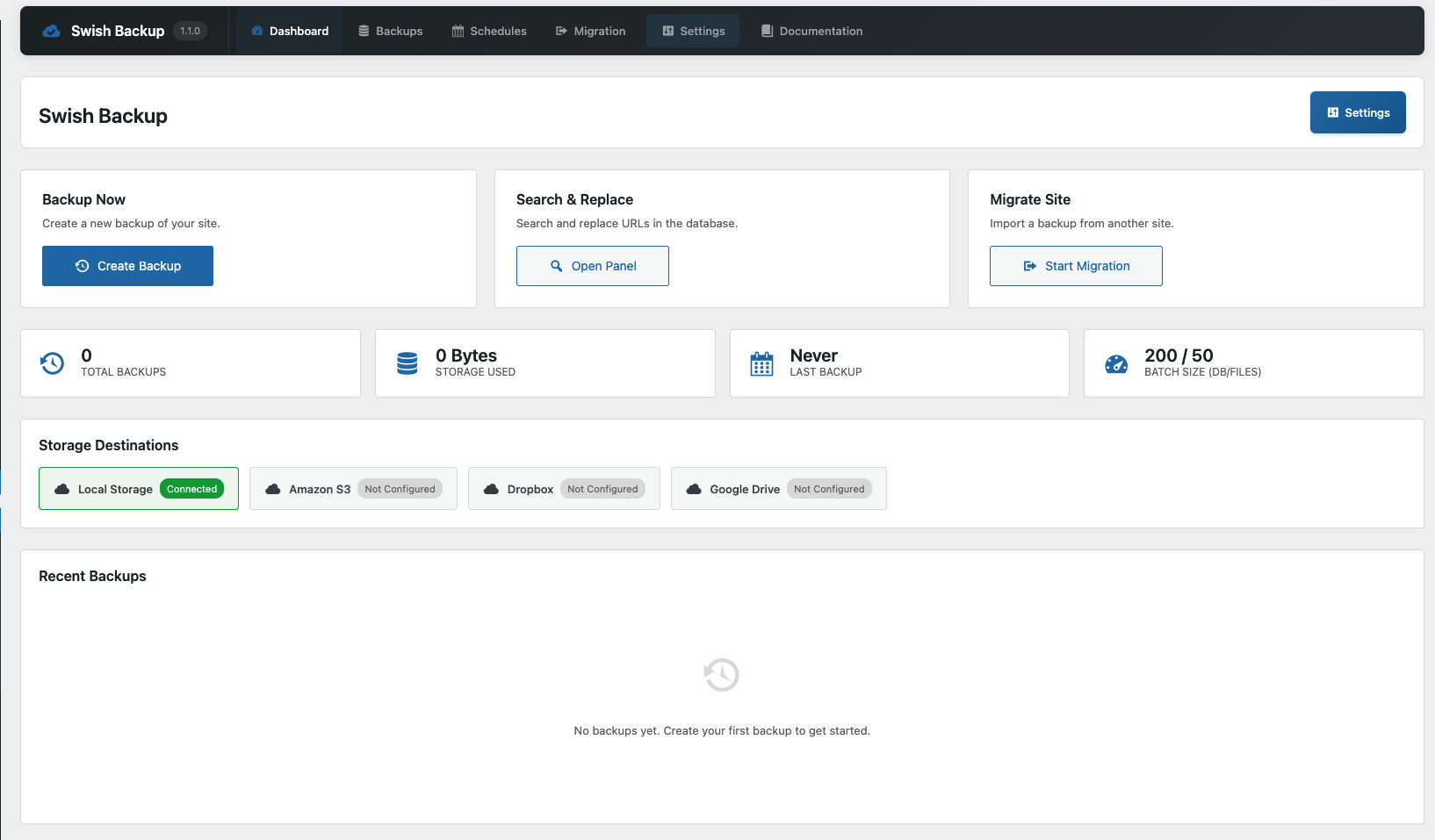
Dashboard – Overview of your backups and storage status 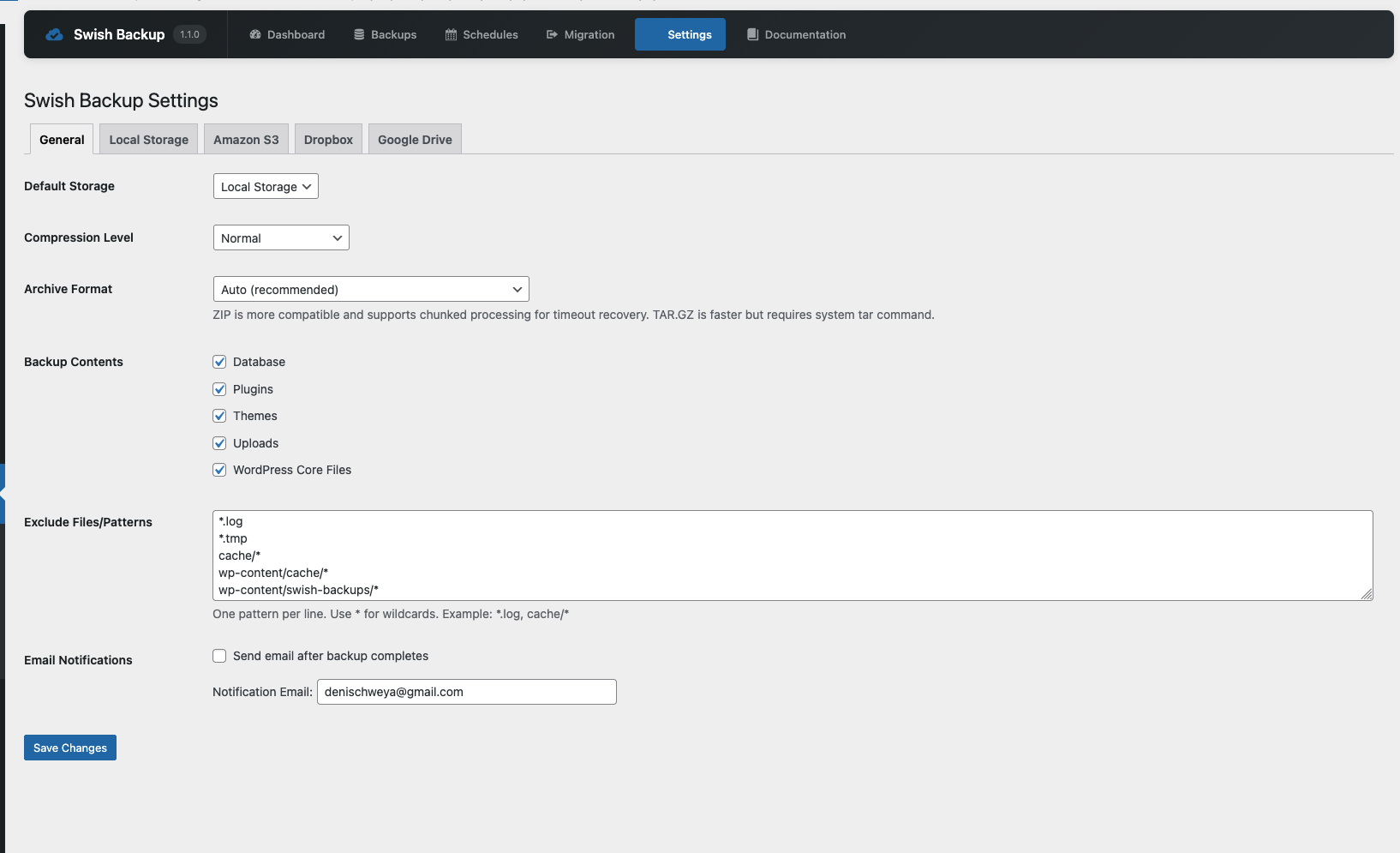
Backups – List of all available backups with restore and download options 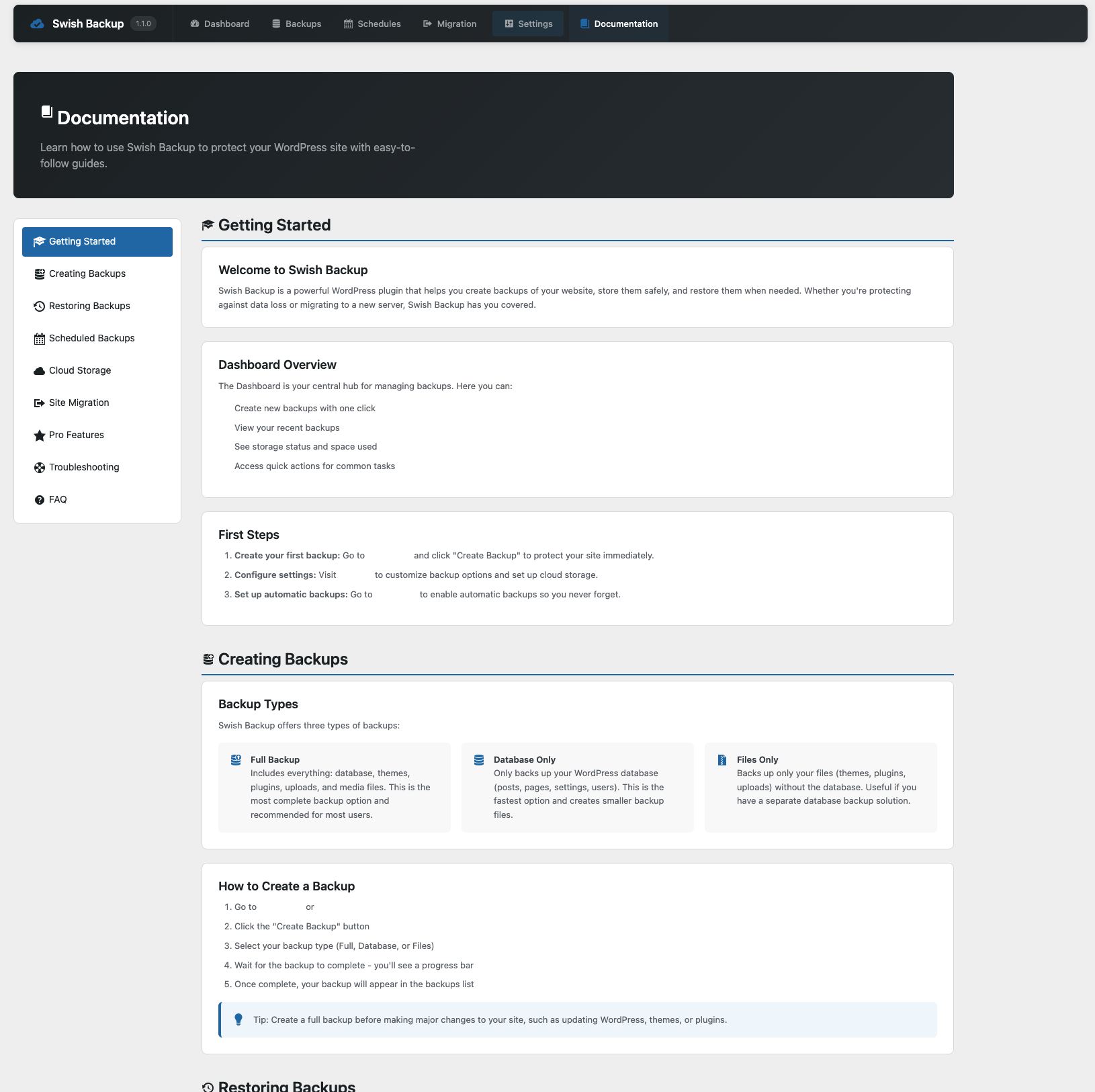
Settings – Configure storage adapters and backup options
Постављање
- Upload the
swish-migrate-and-backupfolder to the/wp-content/plugins/directory - Activate the plugin through the ‘Plugins’ menu in WordPress
- Navigate to ‘Swish Backup’ in your admin menu to access the dashboard
- Configure your preferred storage settings under ‘Swish Backup > Settings’
- Create your first backup from the dashboard
ЧПП
-
How large of a site can this plugin handle?
-
The plugin uses chunked processing for both database and file operations, allowing it to handle sites of virtually any size without running into memory limits.
The free plugin can only import up to 2GB backup, Pro version removed this limit Get PRO -
Where are backups stored by default?
-
By default, backups are stored locally in
wp-content/swish-backups/. You can configure additional cloud storage destinations in the settings. -
Can I schedule automatic backups?
-
Yes, you can set up scheduled backups from the Schedules page. Choose your preferred frequency (hourly, daily, weekly, or monthly) and the plugin will automatically create backups.
-
How do I migrate my site to a new domain?
-
- Create a full backup on your source site
- Install and activate the plugin on your destination site
- Upload the backup file or connect to cloud storage
- Use the Migration tool to restore and automatically update URLs
-
Are my cloud storage credentials secure?
-
Yes, all cloud storage credentials are encrypted using AES-256-CBC encryption before being stored in the database.
-
Can I restore a backup to a different site?
-
Yes, you can download a backup and upload it to any WordPress site with this plugin installed, then use the migration tool to update URLs.
-
Can I backup & migrate a multisite?
-
This feature is only available in the PRO version of this plugin Get PRO
Прегледи

Сарадници и градитељи
„Swish Migrate and Backup“ је софтвер отвореног кода. Следећи људи су допринели овом додатку.
Сарадници

„Swish Migrate and Backup“ је преведен на 1 језик. Хвала преводиоцима за њихове доприносе.
Преведите „Swish Migrate and Backup“ на свој језик.
Заинтересовани сте за градњу?
Прегледајте код, проверите SVN складиште или се пријавите на белешку градње преко RSS-а.
Белешка о изменама
1.0.9
- Added async backup processing to prevent timeouts on managed hosting (WP Engine, etc.)
- Added background job processing via WP Cron with automatic fallback
- Added job status polling endpoint for real-time progress updates
- Added ETA (estimated time remaining) display during file backup
- Fixed backup download returning „0“ on admin-ajax.php – now uses admin.php
- Improved compatibility with hosts that have strict execution time limits
1.0.8
- Fixed inline script to use wp_add_inline_script() for WordPress.org compliance
- Replaced move_uploaded_file() with wp_handle_upload() for proper WordPress file handling
1.0.7
- Compatibility update for Pro plugin import fixes
- Minor stability improvements
1.0.6
- Compatibility update for Pro plugin URL auto-detection fixes
- Minor stability improvements
1.0.5
- Compatibility update for Pro plugin size estimation fixes
- Minor stability improvements
1.0.4
- Compatibility update for Pro plugin import/migration fixes
- Minor stability improvements
1.0.3
- Fixed import feature – Continue button now properly uploads and analyzes backup files
- Added auto-detection of old site URL during migration (pre-filled from backup manifest)
- Added detailed migration progress with stage tracking similar to backup process
- Fixed backup exclusion to always exclude swish-backups folder from backups
- Moved backup storage location from wp-content/uploads/swish-backups to wp-content/swish-backups
- Added smooth scrolling and active state highlighting to documentation navigation
- Improved documentation page with better anchor link navigation
1.0.2
- Enhanced backup progress modal with detailed stage tracking
- Added visual progress log showing each backup stage as it completes
- Green checkmarks for completed stages, red indicators for failures
- Improved progress feedback with animated status indicators
- Better error handling and messaging during backup process
1.0.1
- Added option to include/exclude WordPress core files in backups
- Enhanced CSS for admin layout with responsive design
- Refactored JavaScript asset enqueuing for improved performance
- Minor bug fixes and improvements
1.0.0
- Initial release
- Full site, database, and files backup support
- Local storage adapter
- Amazon S3 storage adapter
- Dropbox storage adapter
- Google Drive storage adapter
- Site migration with URL replacement
- Search and replace functionality
- Scheduled backups
- REST API endpoints