

Опис
When you’re showing grouped content in rows (e.g. blog posts, products, feature sets), it’s almost inevitable that variations in content lengths will throw off your layout.
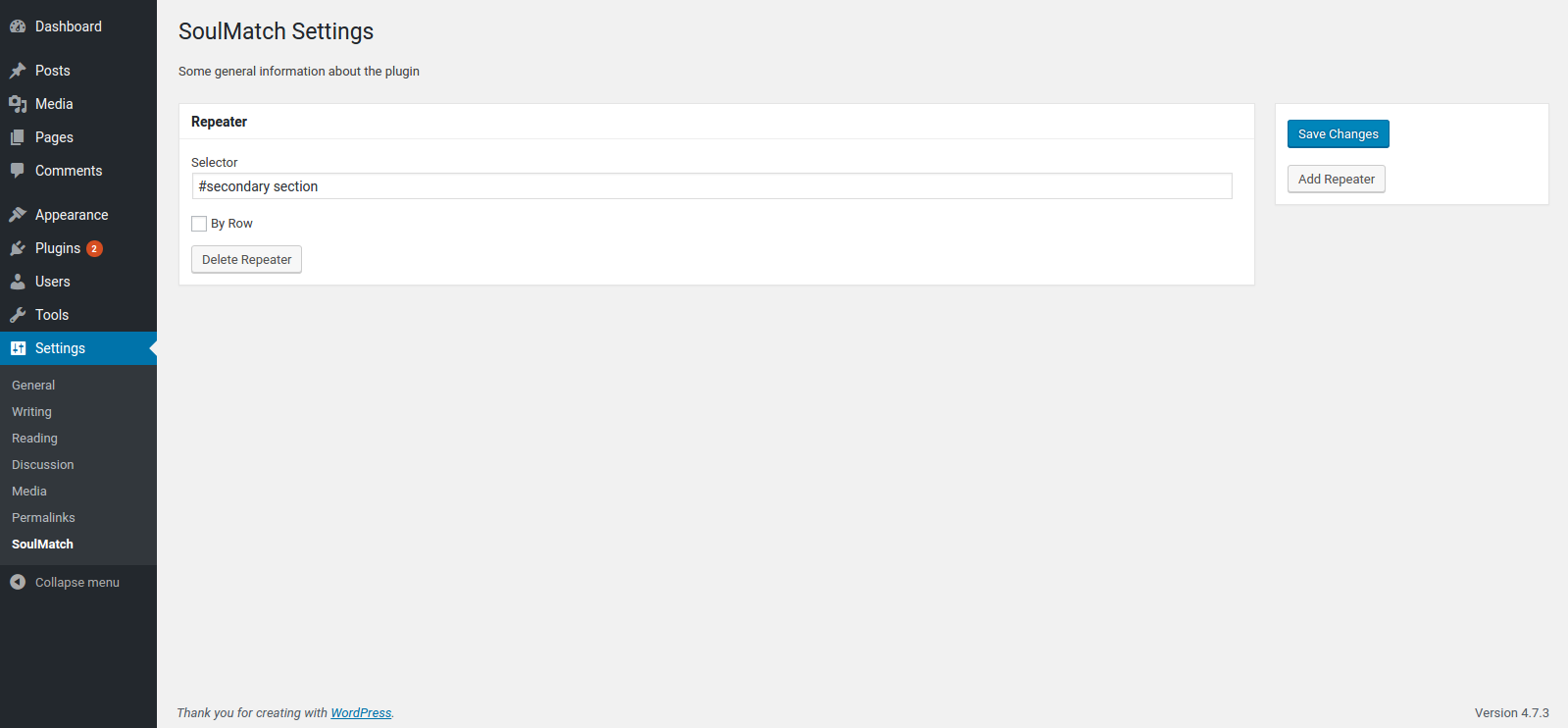
SoulMatch helps you equalize the heights of your elements so that everything hangs together nicely, even when the page is resized. Simply provide a CSS selector (class, id, etc.) and the plugin will do the rest.
Снимци екрана
Постављање
- Upload the plugin files to the
/wp-content/plugins/soulmatchdirectory, or install the plugin through the WordPress plugins screen directly. - Activate the plugin through the ‘Plugins’ screen in WordPress
- Use the
Settings -> SoulMatchscreen to configure the plugin
ЧПП
- Installation Instructions
-
- Upload the plugin files to the
/wp-content/plugins/soulmatchdirectory, or install the plugin through the WordPress plugins screen directly. - Activate the plugin through the ‘Plugins’ screen in WordPress
- Use the
Settings -> SoulMatchscreen to configure the plugin
- Upload the plugin files to the
- How do I make this plugin work?
-
Go to
WP Admin > Settings > SoulMatchand define CSS selectors for the elements you want to equalize.
Прегледи
Нема рецензија за овај додатак.
Сарадници и градитељи
„SoulMatch“ је софтвер отвореног кода. Следећи људи су допринели овом додатку.
Сарадници

Преведите „SoulMatch“ на свој језик.
Заинтересовани сте за градњу?
Прегледајте код, проверите SVN складиште или се пријавите на белешку градње преко RSS-а.
Белешка о изменама
0.1.1
- add .filter(‘:visible’) for better matching
- add a hook to re-match on window resize event
0.1.0
- first version to be submitted to wordpress.org