

Опис
Start Accepting Crypto Payments in 2 minutes.
0.1% Flat Fee and no KYC.
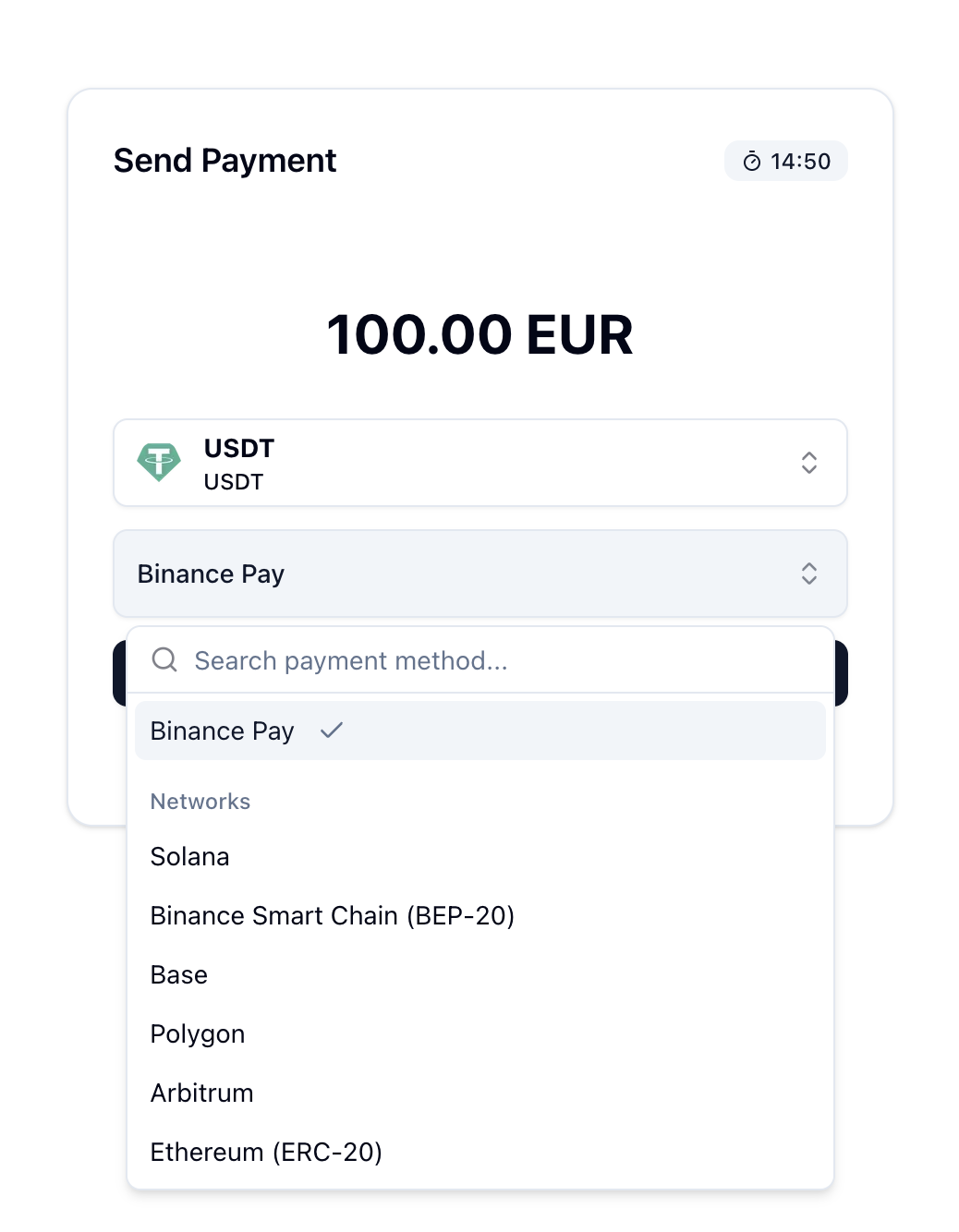
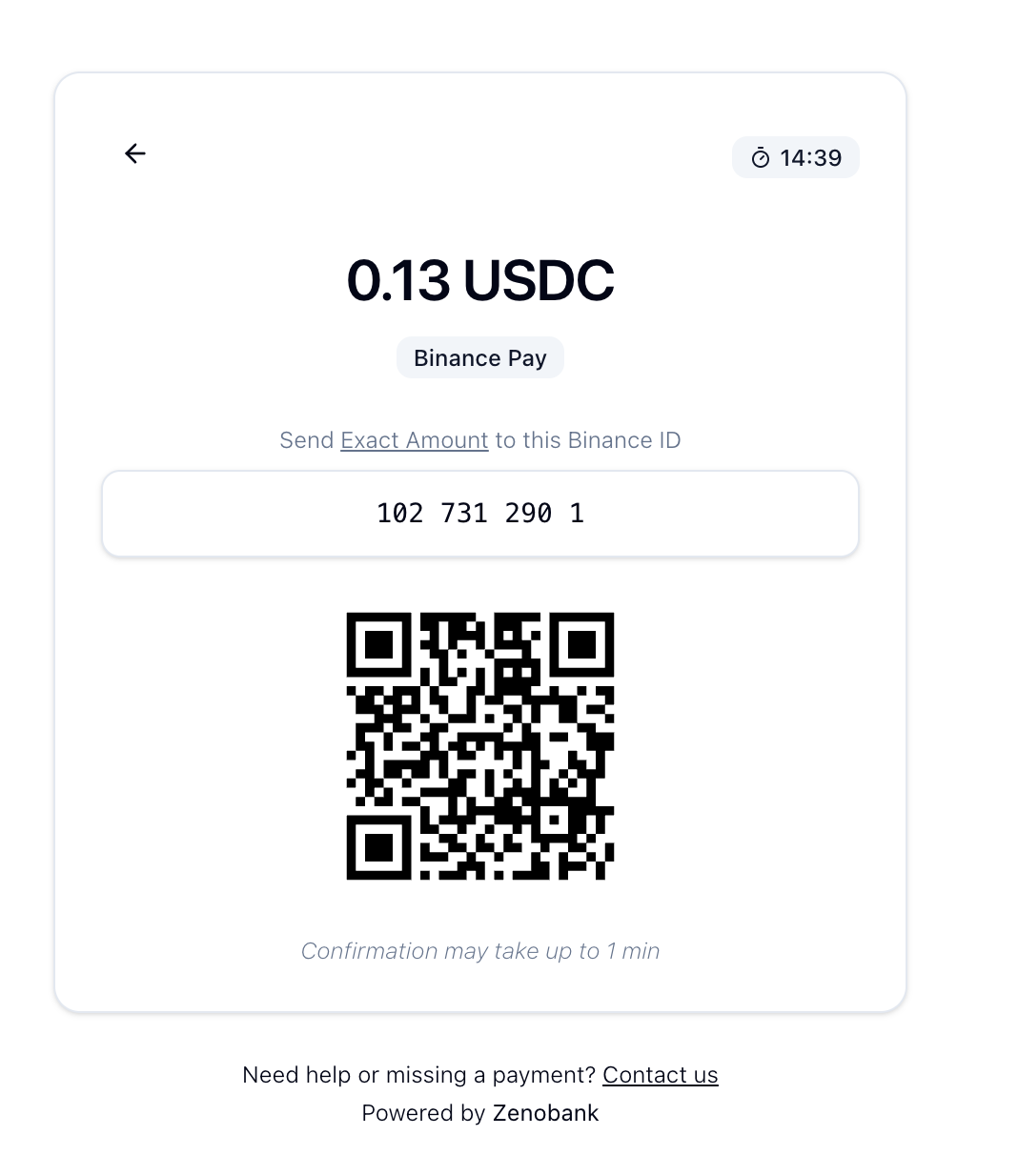
Binance Pay payments go directly to your Binance account (no merchant account required).
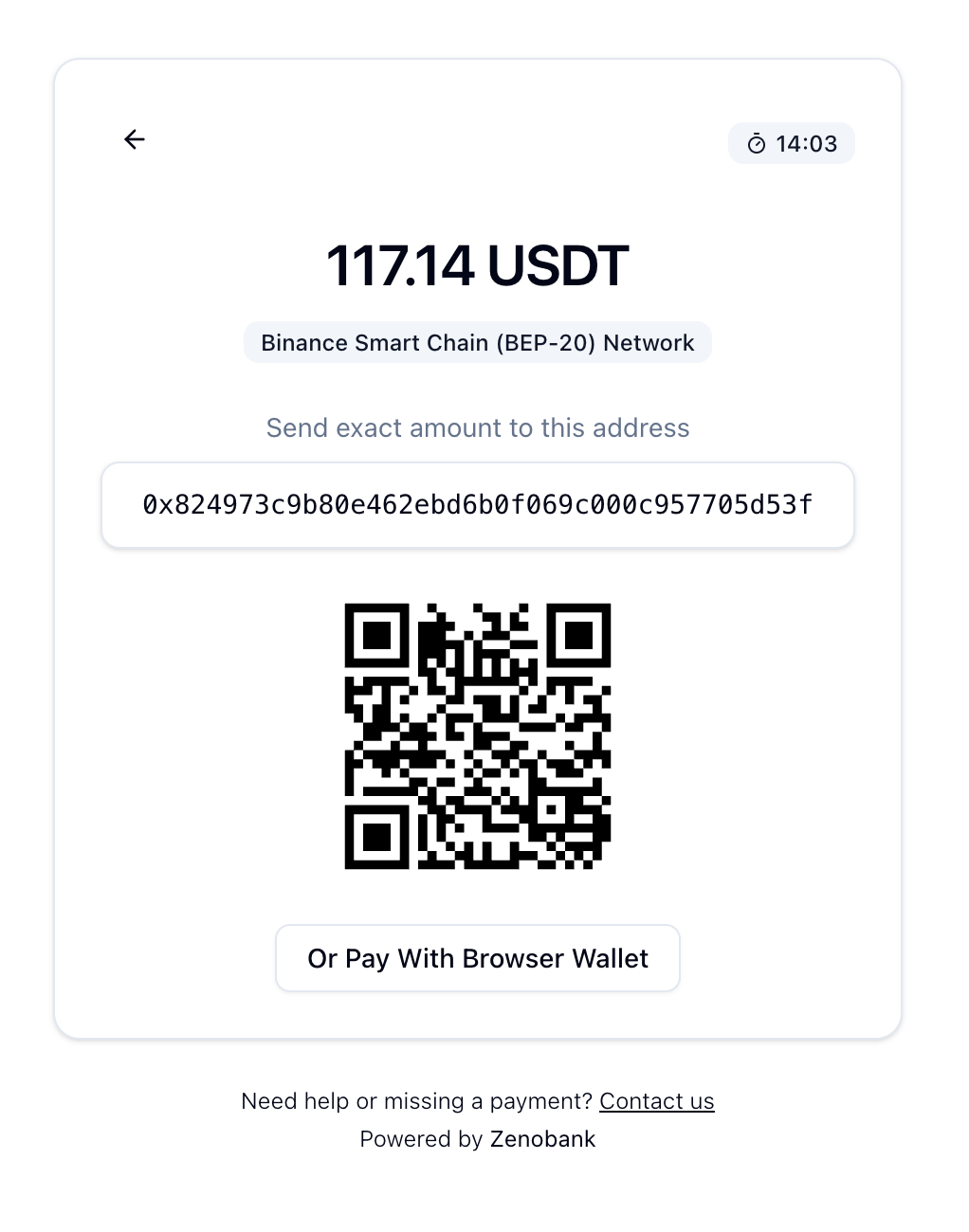
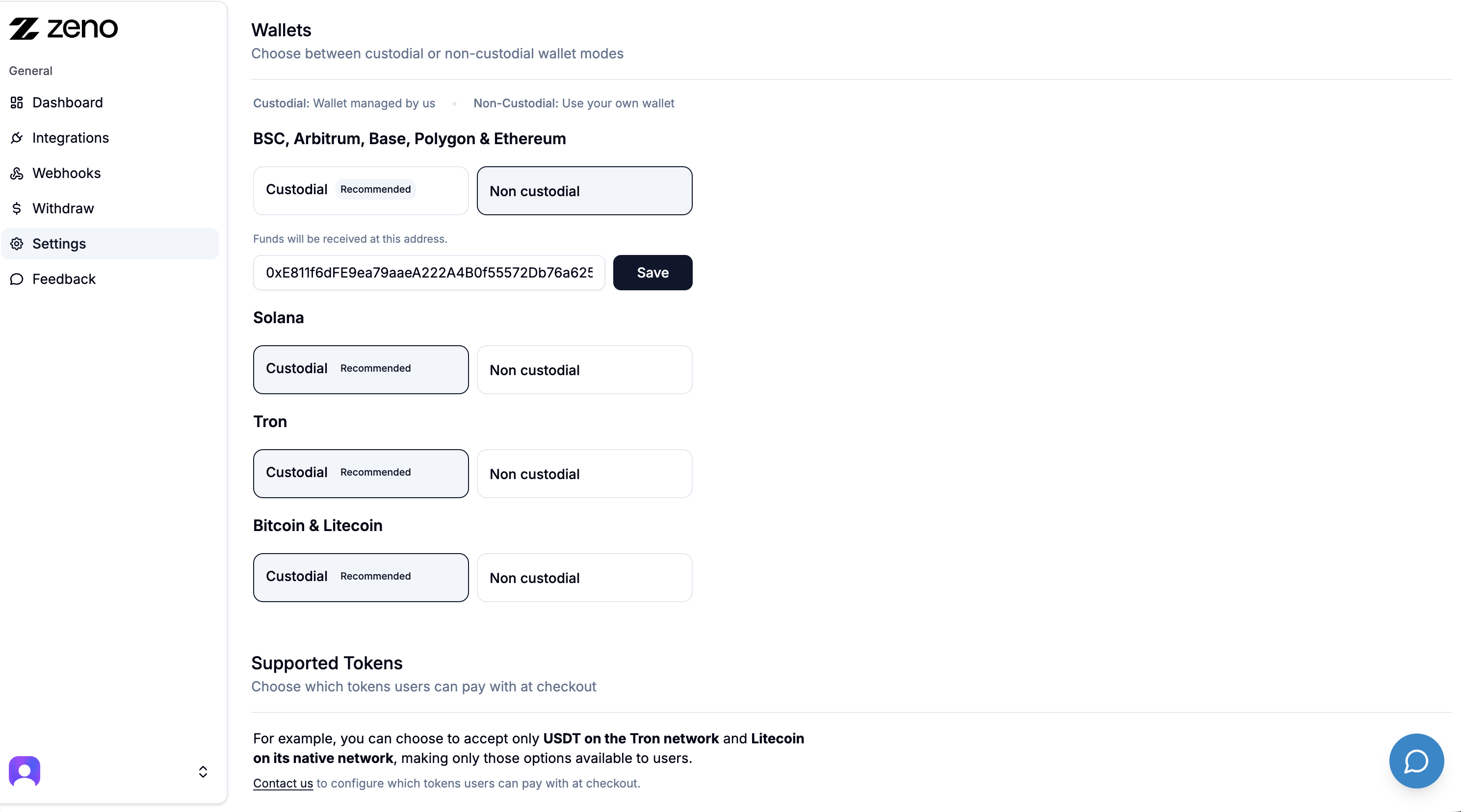
For On Chain payments (Arbitrum, Base, Ethereum, etc.), choose between Custodial and Non Custodial mode.
Custodial: we hold the funds for you.
Non Custodial: funds go directly to your own wallet.
Checkout demo
Questions? Check the FAQs
24/7 Support:
External services
This plugin sends order data (amount, currency) to api.zenobank.io to process crypto payments.
Снимци екрана
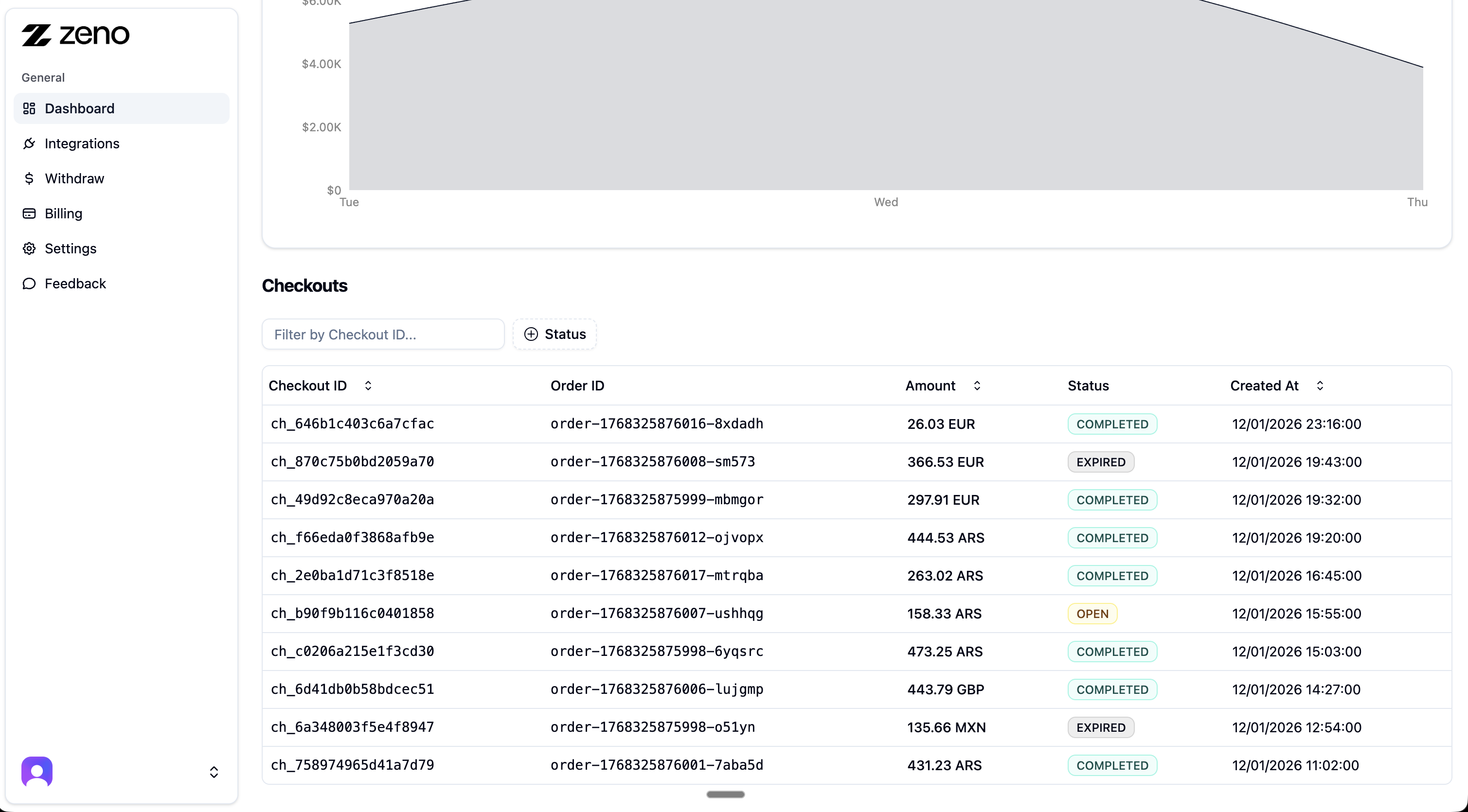
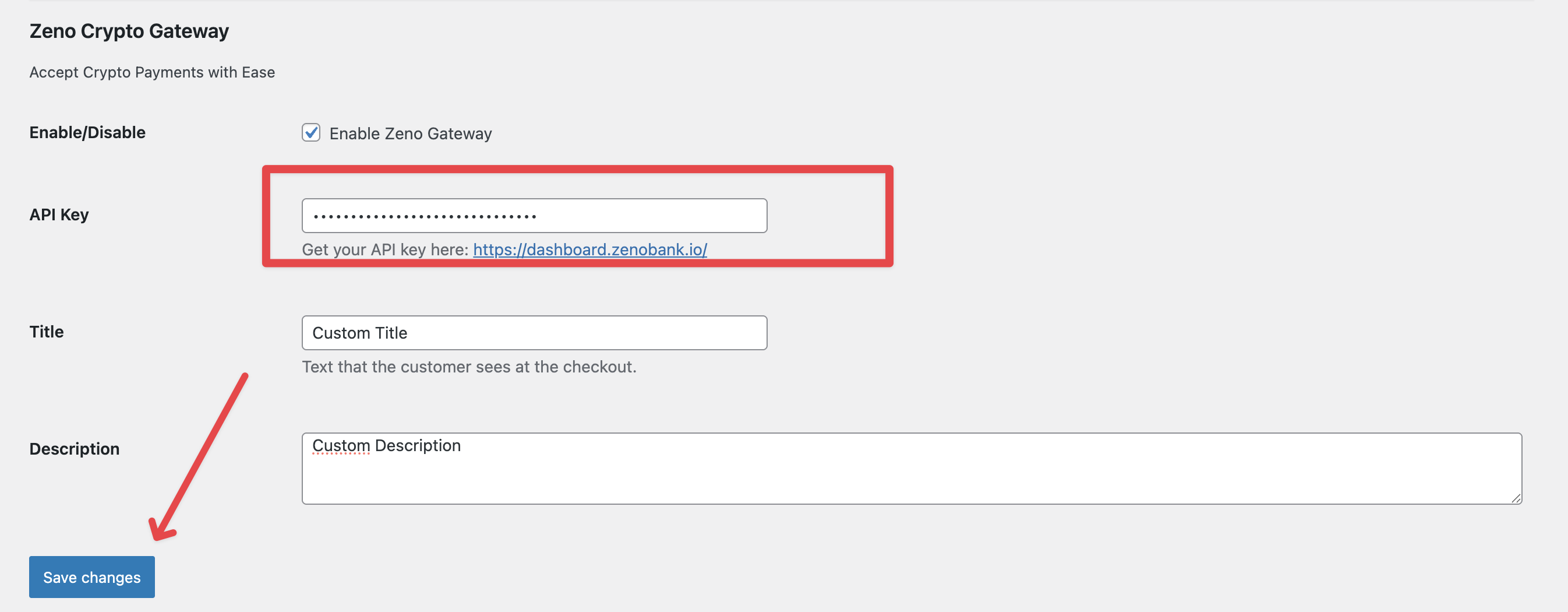
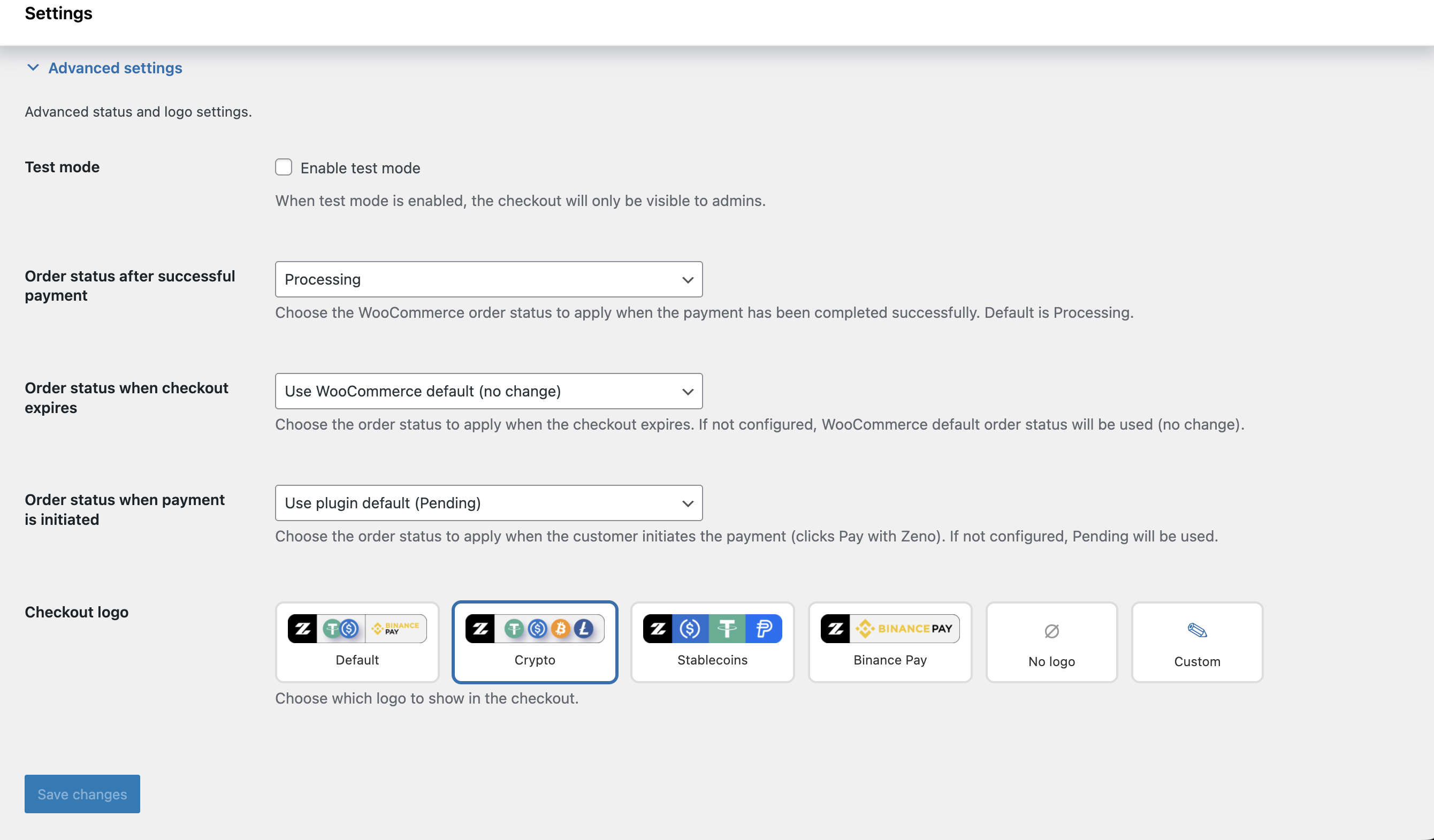
Постављање
- Install via the WordPress Plugin Installer or upload manually.
- Activate the plugin under Plugins Installed Plugins.
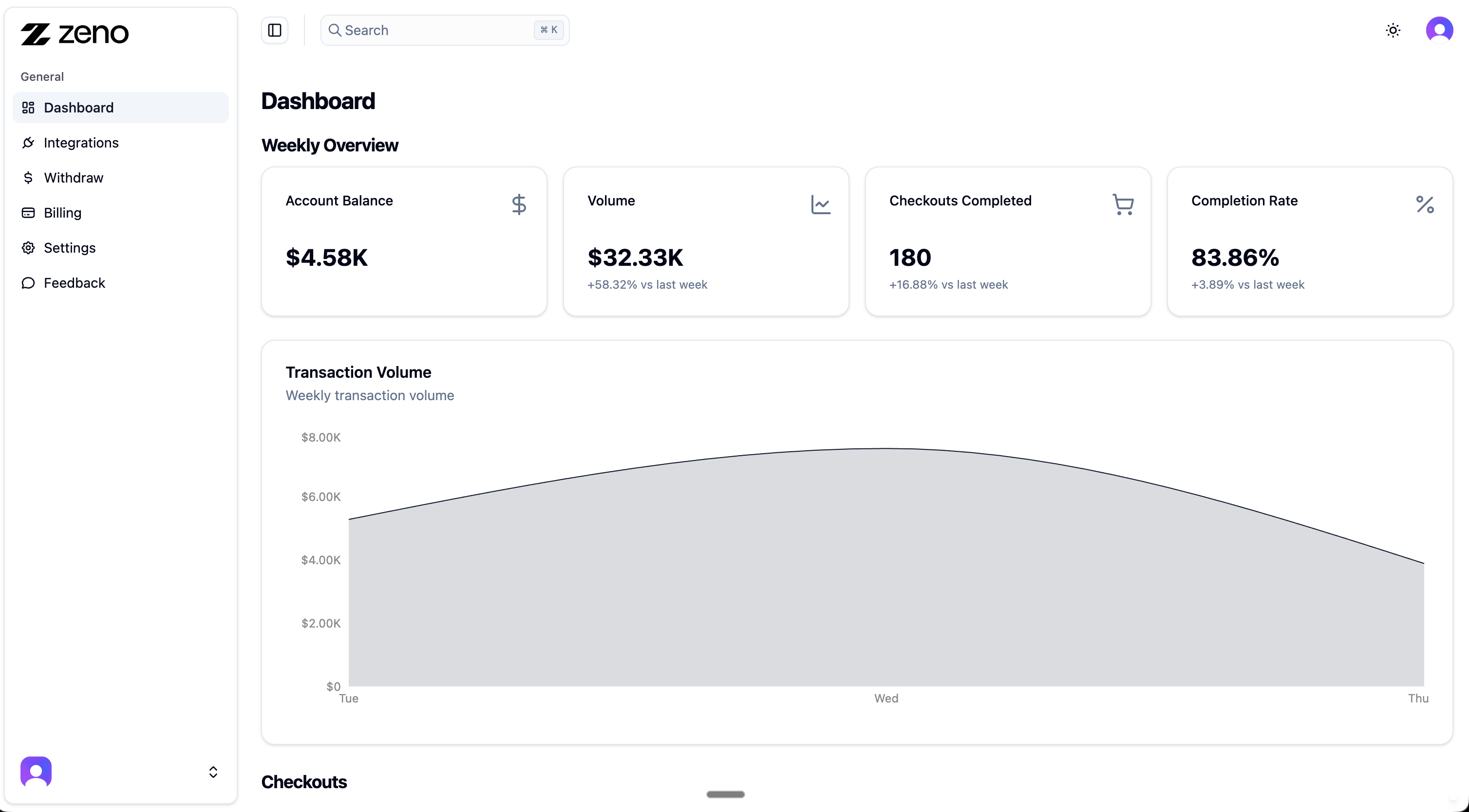
- Go to dashboard.zenobank.io and create your account.
- Add a wallet address or connect your Binance Pay API (this is where you will receive funds).
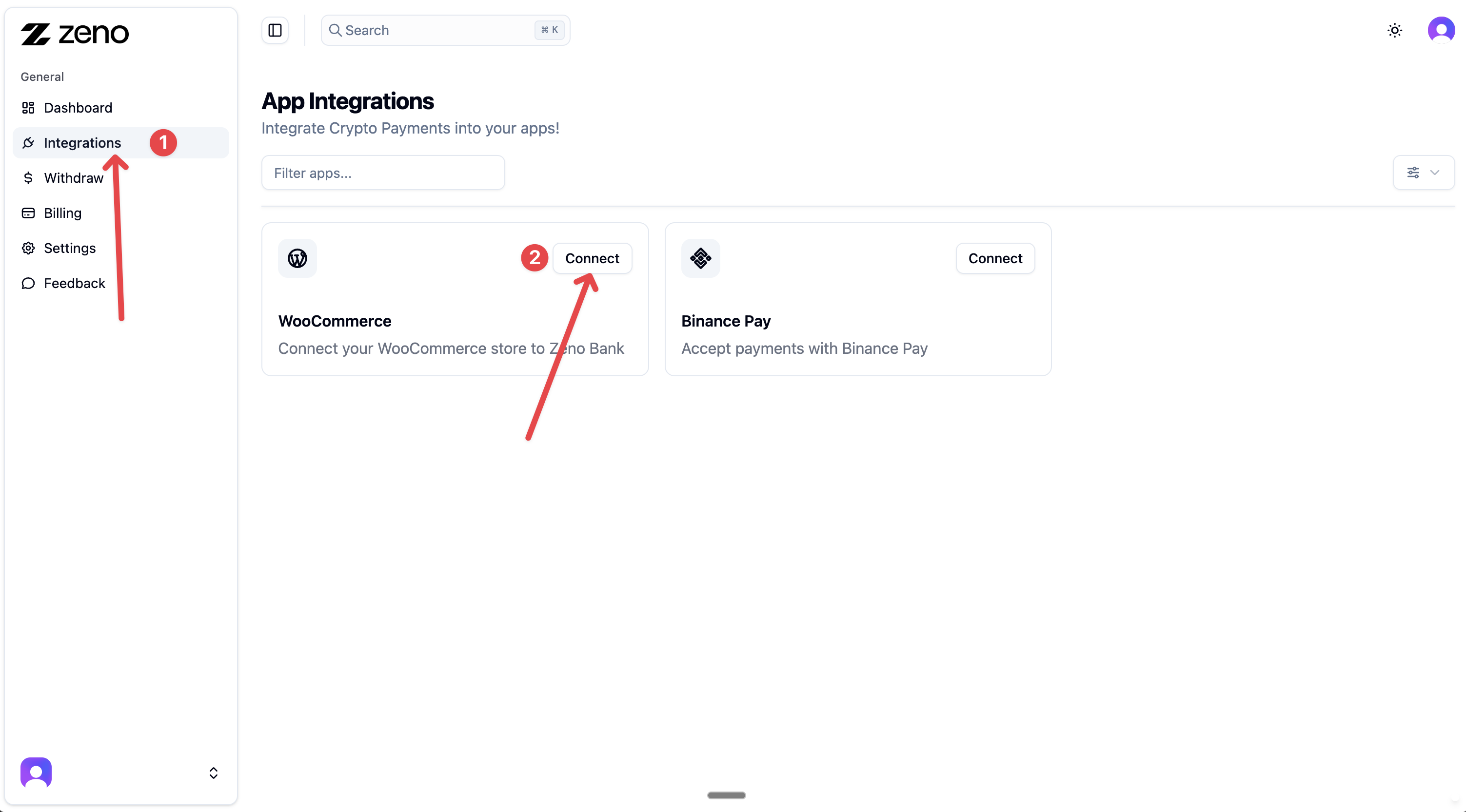
- In your dashboard, go to Integrations WooCommerce, and click Connect.
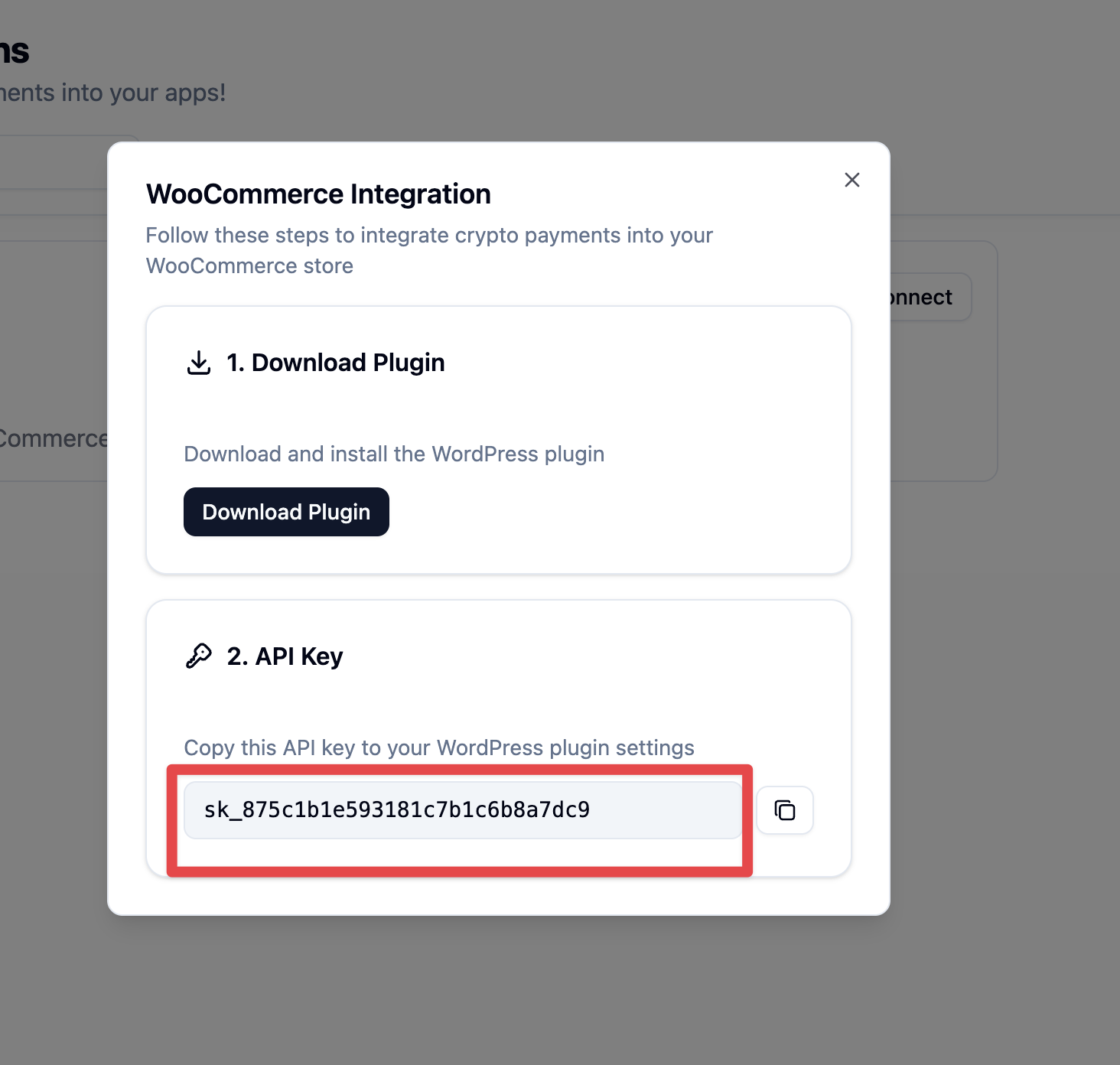
- Copy the generated API key.
- In your WordPress store, open the Zeno Crypto Payment Gateway settings and paste the API key.
- Save changes, enable the gateway, and start accepting crypto payments.
Прегледи


Сарадници и градитељи
„Zeno Crypto Checkout for WooCommerce“ је софтвер отвореног кода. Следећи људи су допринели овом додатку.
Сарадници
Преведите „Zeno Crypto Checkout for WooCommerce“ на свој језик.
Заинтересовани сте за градњу?
Прегледајте код, проверите SVN складиште или се пријавите на белешку градње преко RSS-а.
Белешка о изменама
1.2.4
- Declared compatibility with WordPress 7.0
1.2.3
- Updated plugin name and description
1.2.2
- Plugin Checker fixes and metadata cleanup
1.1.1
- Updated readme