

Опис
This plugin allows you to send messages from Contact Form 7 submissions to Google Chat.
How to find Google Chat Webhook
- Google Chat webhooks are available only if you use google workspace
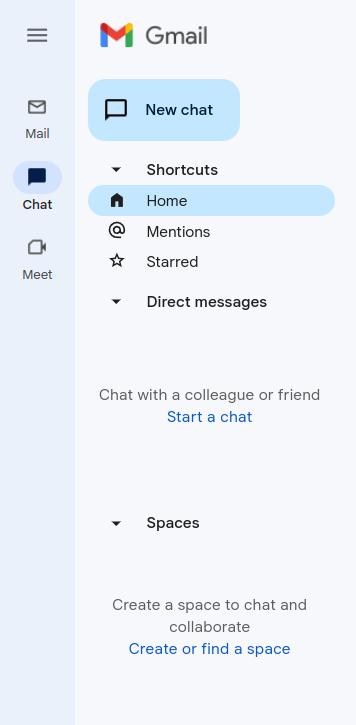
- Go to your gmail admin panel and click on chat icon and after that you need to click on „Create of find a space“ – screenshot-2
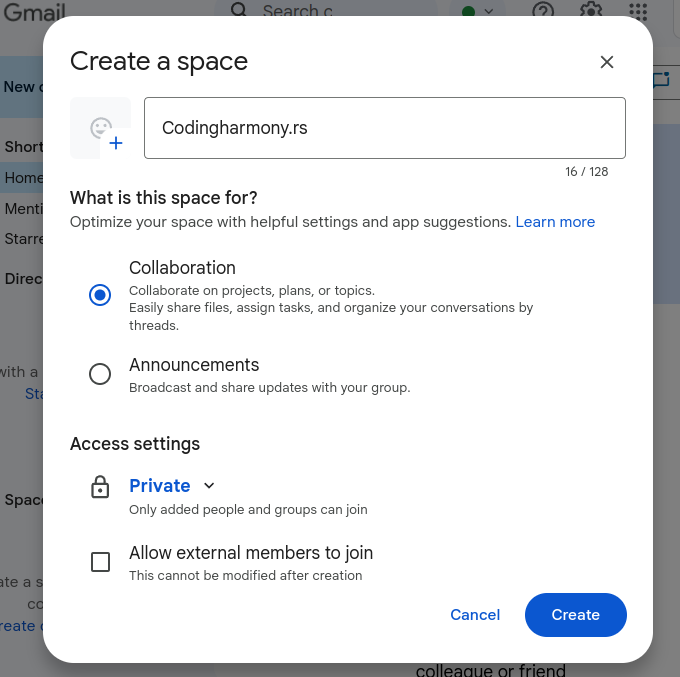
- Name your space and click on create – screenshot-3
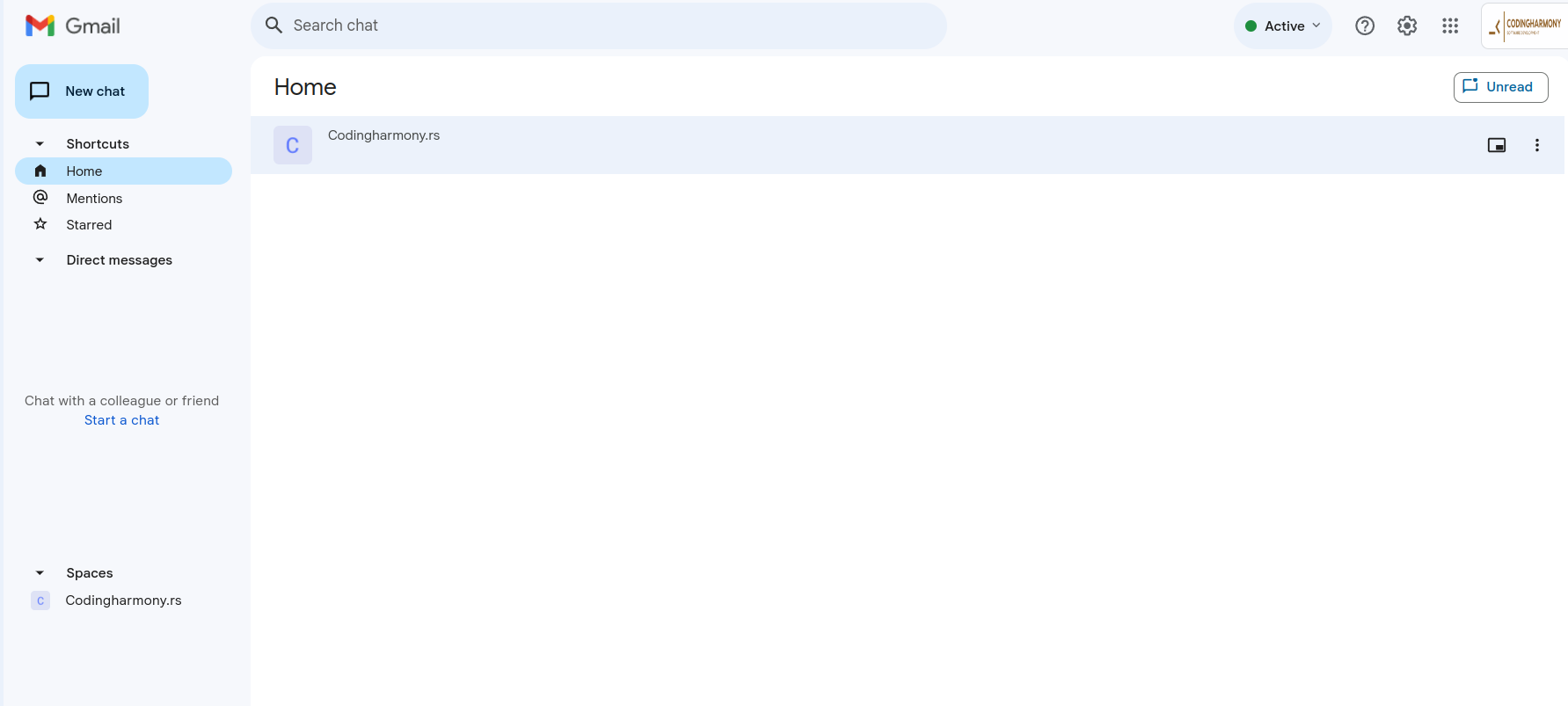
- Click on your space – screenshot-4
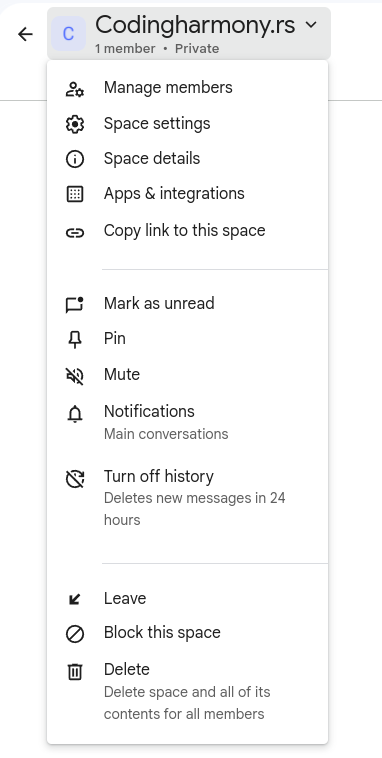
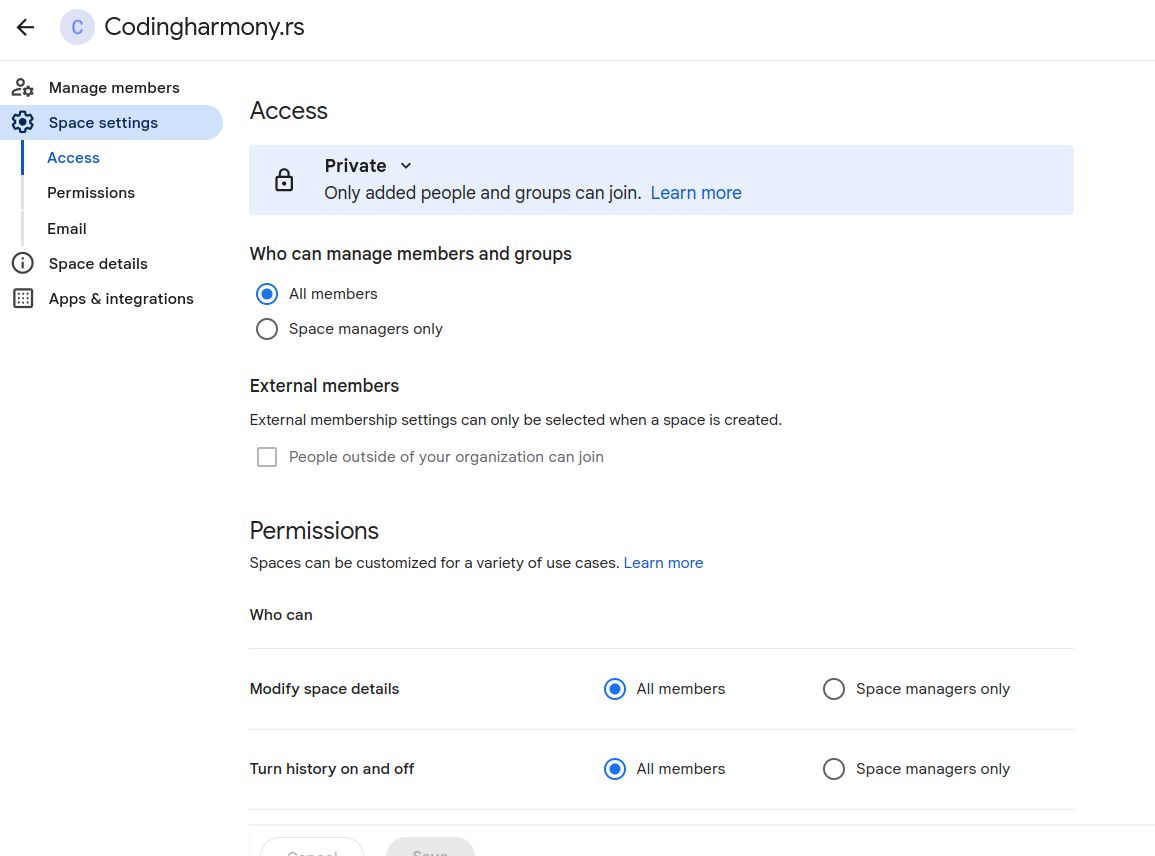
- Click on this dropdown and after that on „space settings“ – screenshot-5
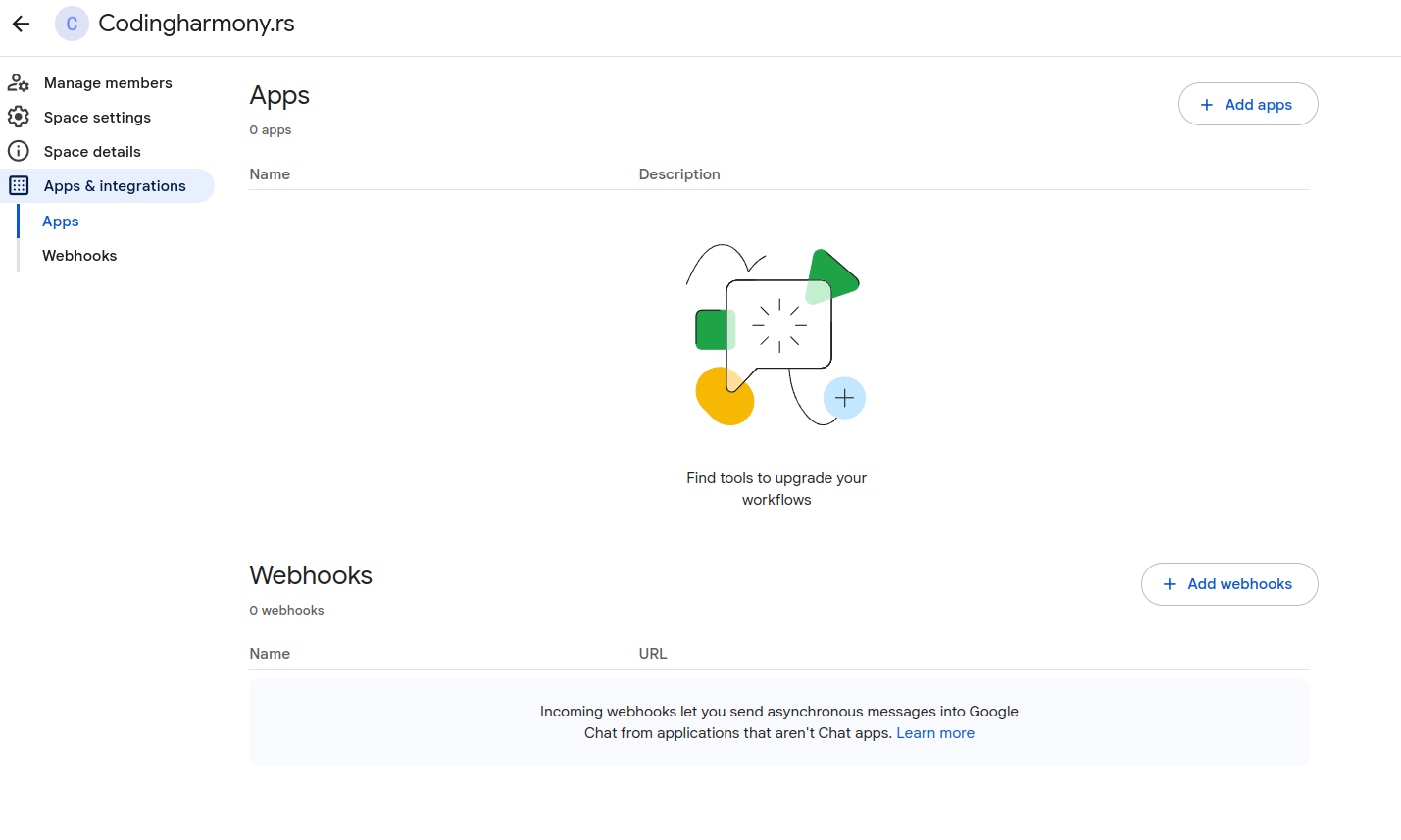
- Click on apps and integrations – screenshot-6
- Click on „add webhooks“ – screenshot-7
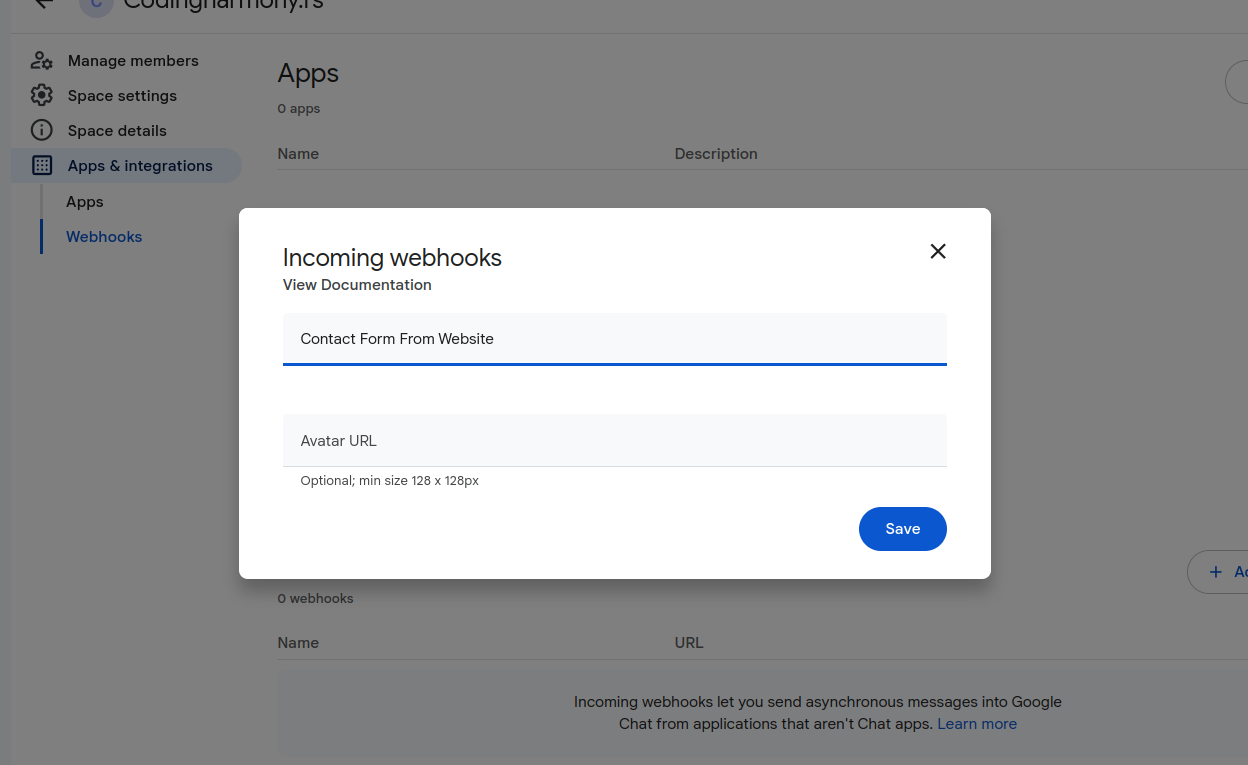
- Name your webhook and click save – screenshot-8
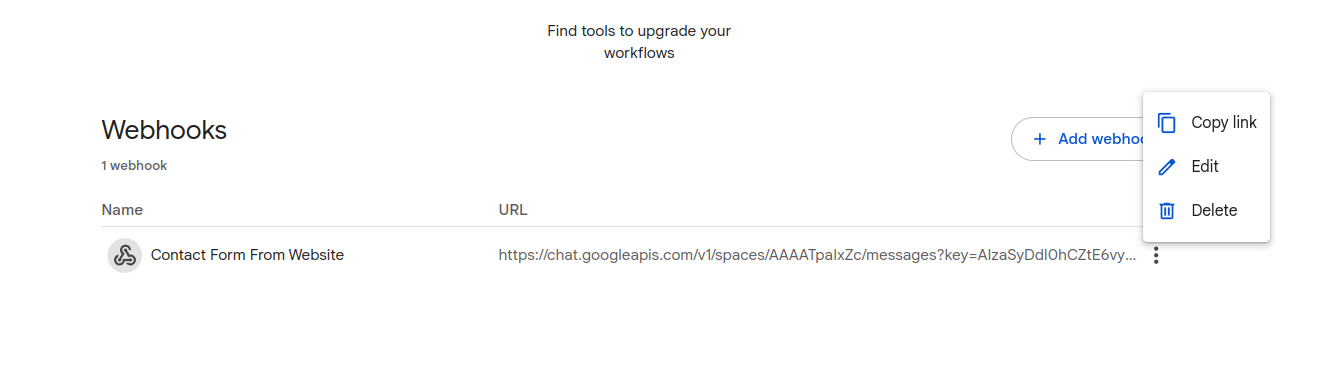
- Click on webhook settings and copy link – screenshot-9
- Paste that link to your contact form settings – screenshot-1
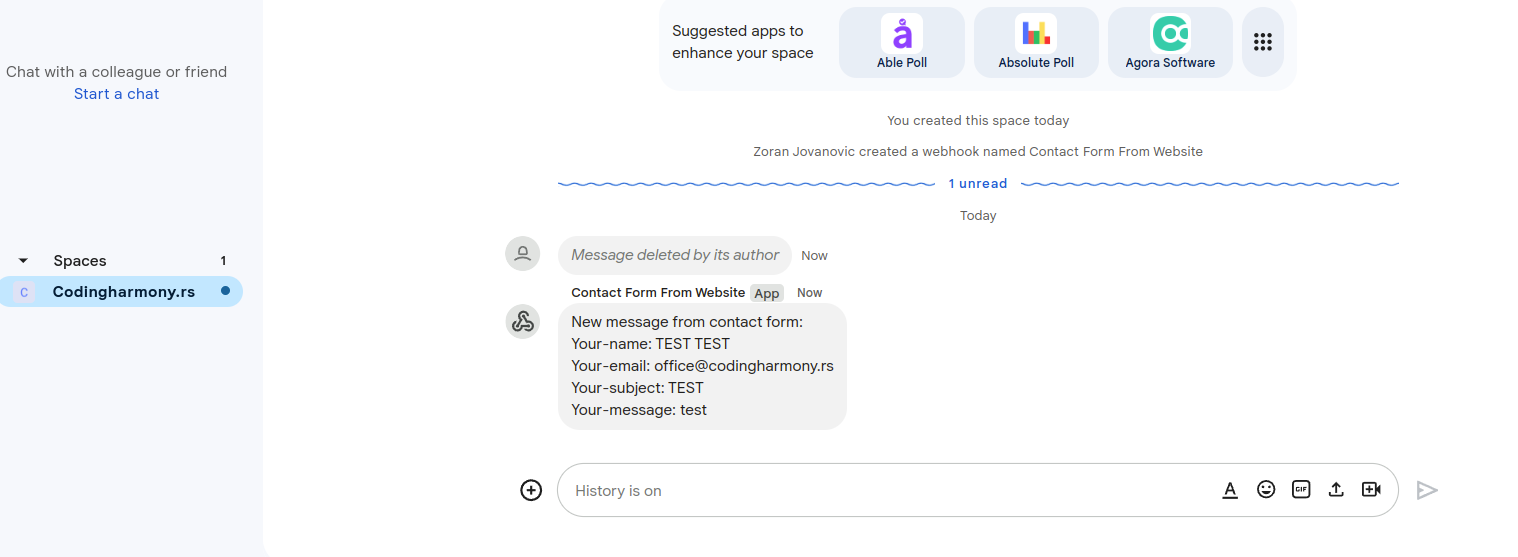
- After form is submitted on the website you will receive message to your google chat space – screenshot-10
Снимци екрана

Постављање
- Upload the plugin files to the
/wp-content/plugins/send-message-google-chat-cf7directory, or install the plugin through the WordPress plugins screen directly. - Activate the plugin through the ‘Plugins’ screen in WordPress.
- Configure the Google Chat webhook URL in the Contact Form 7 Google Chat settings panel.
Прегледи
Нема рецензија за овај додатак.
Сарадници и градитељи
„Send message to Google Chat for CF7“ је софтвер отвореног кода. Следећи људи су допринели овом додатку.
Сарадници
Преведите „Send message to Google Chat for CF7“ на свој језик.
Заинтересовани сте за градњу?
Прегледајте код, проверите SVN складиште или се пријавите на белешку градње преко RSS-а.
Белешка о изменама
1.0.0
- Initial release.