

Опис
Automatically add an end mark (image or text) to the end of pages and posts. An end mark (sometimes called an end sign) is the small graphic element placed at the end of an article, chapter or story.
Снимци екрана
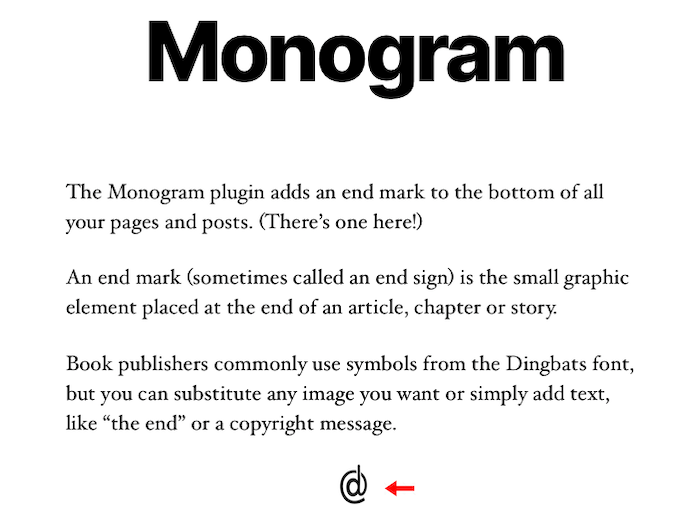
http://wordpress.billdawson.net/wp-content/uploads/sites/6/2020/07/Monogram-Screen-Shot.png
Постављање
- Upload the entire monogram folder to the /wp-content/plugins/ directory.
- Activate the plugin through the Plugins screen (Plugins > Installed Plugins).
You will find the Monogram menu under Appearance in your WordPress admin screen.
For basic usage, have a look at the plugins website. http://wordpress.billdawson.net/?page_id=67
ЧПП
Q: How do I add TEXT?
A: Simply type in the text you want to display. It will display at the end of every page and post.
Q: How do I add an IMAGE?
A: Enter the entire URL to the image you want to display including http:// or https://.
Example: http://wordpress.billdawson.net/wp-content/uploads/sites/6/2020/05/dawson-logo-40.png
Прегледи
Нема рецензија за овај додатак.
Сарадници и градитељи

Преведите „Monogram“ на свој језик.
Заинтересовани сте за градњу?
Прегледајте код, проверите SVN складиште или се пријавите на белешку градње преко RSS-а.
Белешка о изменама
None