

Опис
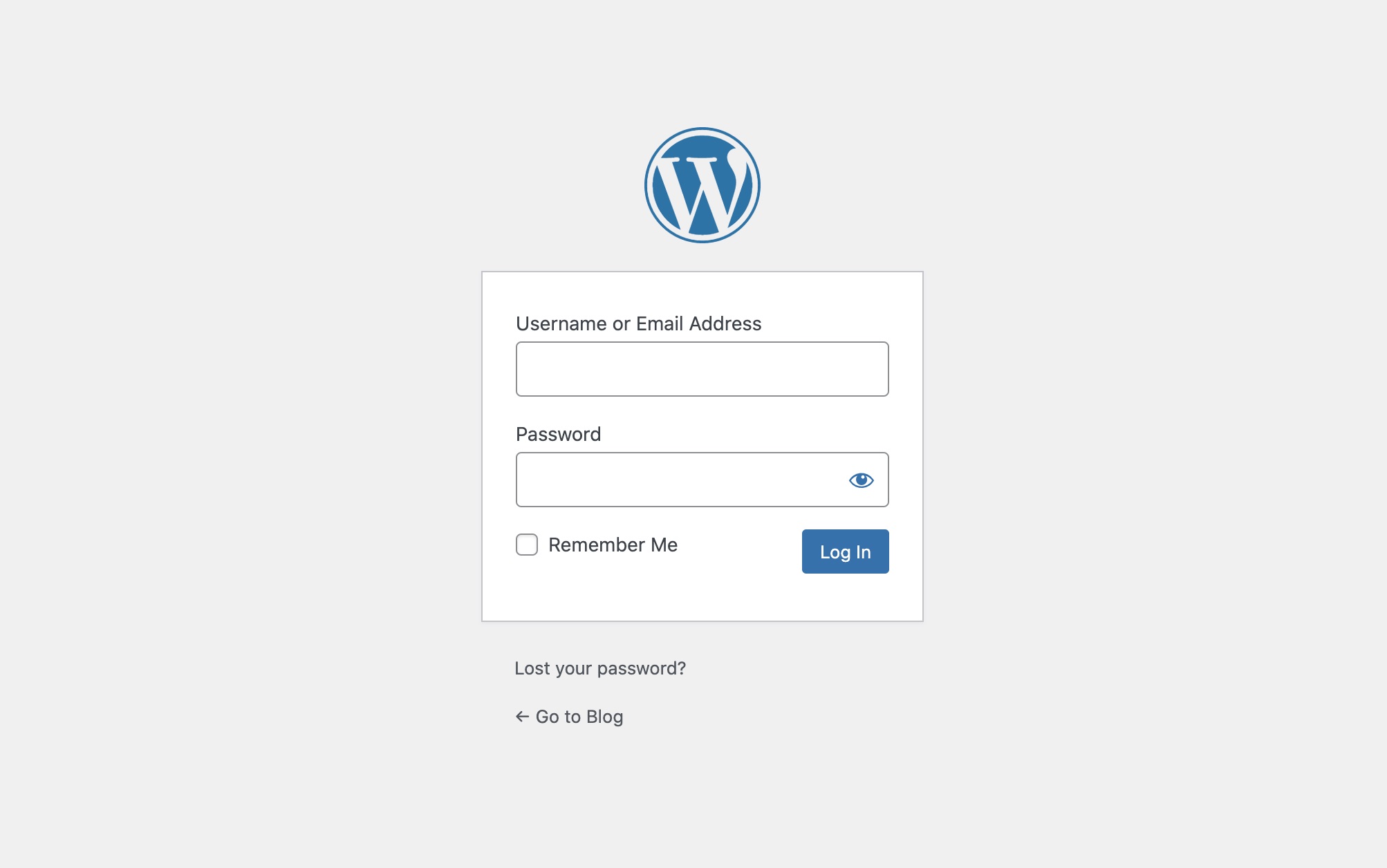
Easily disable default WordPress registration page, remove register link and stop all spam registrations, without disabling the actual registration functionality. You may still want to accept user registration using membership or registration plugin.
This plugin works great with popular registration plugins, you can have the registration form on a separate page at the same time disable the default registration of WordPress and protect the spam account creation by bots.
Features
- Stop spam / fake registrations in WordPress.
- Disable default WordPress registration page.
- Remove register link from login page.
- Remove register link from forgot password page.
- Disable registration page but allows user registration.
Снимци екрана
Постављање
From your WordPress dashboard
- Visit ‘Plugins > Add New’.
- Search for ‘Disable WP Registration Page Spam’.
- Activate ‘Disable WP Registration Page Spam’ from your Plugins page.
From WordPress.org
- Download ‘Disable WP Registration Page Spam’.
- Upload the ‘disable-wp-registration-page-spam’ directory to your ‘/wp-content/plugins/’ directory, using your favourite method (ftp, sftp, scp, etc…).
- Activate ‘Disable WP Registration Page Spam’ from your Plugins page.
ЧПП
-
How do I stop spam registration on WordPress?
-
- Log in to your WordPress admin dashboard
- Navigate to Plugins > Add New
- Search for ‘Disable WP Registration Page Spam’ plugin
- Install the plugin using ‘Install now’
- Activate the plugin
- Disabling default registration form will stop spam registration
-
How to Disable User Registration in WordPress?
-
- Log in to your WordPress admin dashboard
- Navigate to Settings > General
- Uncheck ‘Membership’ checkbox under ‘General Settings’
- Save the settings
-
Disable Default WordPress Registration Page : WordPress
-
- Log in to your WordPress admin dashboard
- Navigate to Plugins > Add New
- Search for ‘Disable WP Registration Page Spam’ plugin
- Install the plugin using ‘Install now’
- Activate the plugin
-
Do you offer support?
-
You can contact me using this Contact Form
Рецензије


Сарадници и градитељи
„Disable WP Registration Page Spam“ је софтвер отвореног кода. Следећи људи су допринели овом додатку.
Сарадници
Преведите „Disable WP Registration Page Spam“ на свој језик.
Заинтересовани сте за развој?
Прегледајте кôд, погледајте SVN складиште или се претплатите на дневник развоја преко RSS-а.
Дневник измена
1.0.0
Initial release
1.0.1
Tested with WordPress version 5.9
1.0.2
Tested with WordPress version 6.5.4